
How to Optimize Your Google Business Profile for Local Search
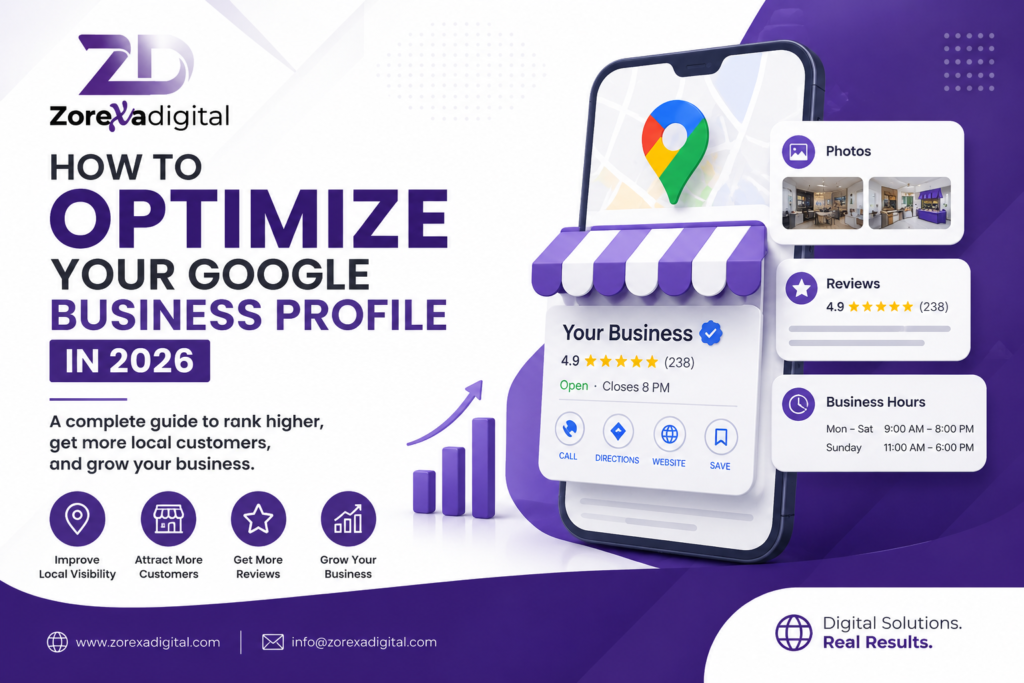
If your business serves customers in a specific city or area, your Google Business Profile can help people find you when they search for your products or services nearby. Learning how to optimize your Google Business Profile properly can improve your local visibility and make it easier for potential customers to call, visit, or contact your business.
What Is a Google Business Profile?
A Google Business Profile is a free business listing that can appear in Google Search and Google Maps. It can show important information such as your business name, address, phone number, website, opening hours, photos, reviews, services, and other details.
For example, if you run a dental clinic in Lahore, someone might search for “dentist near me” or “dentist in Lahore.” A complete and accurate profile gives Google useful information about your business and gives potential customers quick answers before they visit.
How to Optimize Your Google Business Profile Step by Step
Optimizing your profile is not just about filling in the basic information. You should regularly check the details, add useful information, upload relevant photos, and interact with customers.
1. Use Your Real Business Name
Enter your actual business name as it is used in the real world.
Avoid adding extra keywords to the business name just to try to rank higher. For example, if your business is officially called “City Dental Clinic,” don’t change the profile name to “Best Dentist in Lahore – City Dental Clinic” unless that is genuinely your business’s real-world name.
Using an accurate business name helps keep your listing consistent and trustworthy.
2. Choose the Most Relevant Business Category
Your primary category tells Google what your business mainly does.
Choose the category that most accurately represents your core service. You can also add relevant additional categories if they genuinely describe your business.
For example:
- A restaurant could select “Restaurant” as its primary category.
- A clothing store could choose “Clothing Store.”
- A plumber could choose “Plumber.”
- A real estate company could select a relevant real estate category.
Don’t choose unrelated categories simply because you think they may bring more searches.
3. Complete Every Important Profile Field
A complete profile makes it easier for customers to understand your business.
Review these details carefully:
- Business name
- Primary category
- Additional categories
- Address or service area
- Phone number
- Website
- Opening hours
- Special hours
- Business description
- Services or products
- Photos
- Customer reviews
Make sure your phone number, address, and website are accurate and consistent with the information on your website.
This is an important part of local SEO because customers need reliable information when deciding whether to contact or visit a business.
4. Write a Useful Business Description
Your business description should explain what you offer, who you serve, and where you operate.
Don’t write a paragraph that is stuffed with keywords. Instead, make it useful for an actual customer.
For example, a Lahore-based home appliance repair business could write:
“We provide home appliance repair services in Lahore, including washing machine, refrigerator, and air conditioner repairs. Our team serves residential customers across selected areas of Lahore and helps with common appliance repair and maintenance needs.”
This naturally communicates the service and location without repeating keywords unnecessarily.
5. Add Your Products and Services
Use the products and services sections to clearly explain what customers can get from your business.
For a solar company, for example, relevant services might include:
- Solar panel installation
- Solar inverter installation
- Battery installation
- Solar system maintenance
- Commercial solar solutions
For each service, use a clear name and a short, helpful description where appropriate.
This can also help customers understand your business before they visit your website or call.
Add High-Quality Photos Regularly
Photos are an important part of a useful Google Business Profile.
Instead of uploading random stock images, use genuine photos of your business and work.
Depending on your business type, consider adding:
- Storefront photos
- Interior photos
- Products
- Completed projects
- Team members
- Equipment
- Service work
- Before-and-after examples
For example, a restaurant could upload photos of its entrance, dining area, menu items, and actual food. A construction company could show completed projects and work in progress.
The goal is to give potential customers a realistic idea of what to expect.
Get Genuine Customer Reviews
Customer reviews are an important part of a strong Google Business Profile. Ask genuine customers to leave honest feedback after they have purchased from you or used your service.
You can make the process easier by sharing your Google review link with customers.
However, don’t offer fake reviews or ask people to post reviews for services they never used. Reviews should reflect real customer experiences.
Respond to Positive and Negative Reviews
Don’t only respond when someone leaves a negative review.
A simple response to a positive review could be:
“Thank you for your feedback. We appreciate your support and are glad you were satisfied with our service.”
For a negative review, remain professional and avoid arguing publicly. Acknowledge the concern and, when appropriate, invite the customer to contact you directly so you can understand and resolve the issue.
Keep Your Business Information Updated
One of the easiest ways to improve your profile is simply to keep it accurate.
If your business changes its:
- Opening hours
- Phone number
- Address
- Website
- Services
- Holiday hours
update the profile as soon as possible.
Imagine a customer searches for your business on Sunday, sees that you are open, and travels to your location—only to discover that you actually closed earlier. Keeping information updated prevents this type of poor customer experience.
Use Local Keywords Naturally
Keywords can help you understand what customers are searching for, but don’t turn your profile into a list of search terms.
Instead, naturally mention your main service and location where relevant.
For example, a Karachi-based AC repair business might naturally use phrases such as:
- AC repair in Karachi
- Air conditioner repair
- AC maintenance services
Use these terms where they make sense in your business description, services, website content, and other relevant areas.
The focus should always be usefulness first.
Build Consistent Local Citations
A local business listing is another useful part of local SEO.
Make sure your business information is consistent across relevant online directories, social profiles, and other legitimate business websites.
Pay particular attention to:
- Business name
- Address
- Phone number
- Website
If one directory has an old phone number and another has a different address, it can create confusion for customers and search engines.
Only create listings on relevant and trustworthy platforms. Avoid submitting your business to hundreds of low-quality directories simply to build links.
A Simple Example
Suppose Ahmed owns a mobile phone repair shop in Rawalpindi.
His Google Business Profile initially has only the business name, phone number, and address.
He improves it by:
- Choosing the most accurate primary business category.
- Adding his website and complete opening hours.
- Writing a clear description of his repair services.
- Adding services such as screen replacement, battery replacement, and software troubleshooting.
- Uploading real photos of the shop and completed repairs.
- Asking genuine customers for honest reviews.
- Responding professionally to customer feedback.
- Checking that his business information matches his website and other legitimate listings.
These are simple actions, but together they create a much more complete and useful local business presence.
Common Google Business Profile Mistakes to Avoid
Avoid these common mistakes when optimizing your profile:
- Adding keywords to your business name unnecessarily
- Choosing an unrelated primary category
- Using fake or stock photos instead of real business photos
- Buying fake reviews
- Leaving customer questions and reviews unanswered
- Showing outdated opening hours
- Creating duplicate profiles
- Adding incorrect contact information
- Stuffing keywords into the business description
- Creating large numbers of poor-quality directory listings
A strong profile is built around accurate information and genuine customer experiences.
How Often Should You Update Your Google Business Profile?
There is no need to change information just for the sake of making updates.
Instead, review your profile regularly and update it whenever something changes. You can also add new photos, update services, respond to reviews, and check customer-facing information as part of your normal local SEO routine.
A monthly check is a practical habit for many small businesses.
Final Thoughts
Knowing how to optimize your Google Business Profile is mainly about making your business information accurate, complete, useful, and trustworthy. Choose the right category, provide clear business details, add genuine photos, collect real reviews, and keep your information updated.
For small businesses in Pakistan, these straightforward steps can create a stronger presence in Google Search and Maps while making it easier for local customers to understand and contact your business.
FAQ
1. Is Google Business Profile free?
Yes. Google Business Profile is a free business listing that allows eligible businesses to manage how their information appears across Google Search and Google Maps.
2. How can I improve my Google Business Profile ranking?
Start by providing accurate and complete information, selecting the most relevant business category, maintaining your services and hours, adding genuine photos, earning authentic reviews, and keeping your business information consistent across the web.
3. How many reviews do I need for local SEO?
There is no universal number of reviews that guarantees better local rankings. Focus on getting genuine feedback from real customers and responding to reviews professionally rather than trying to reach an arbitrary number.
4. Can I add keywords to my Google Business Profile name?
Your profile name should normally match your real-world business name. Adding extra keywords that are not part of your actual business name can create problems and should be avoided.
