On-Page SEO Checklist for 2026: What Actually Moves the Needle
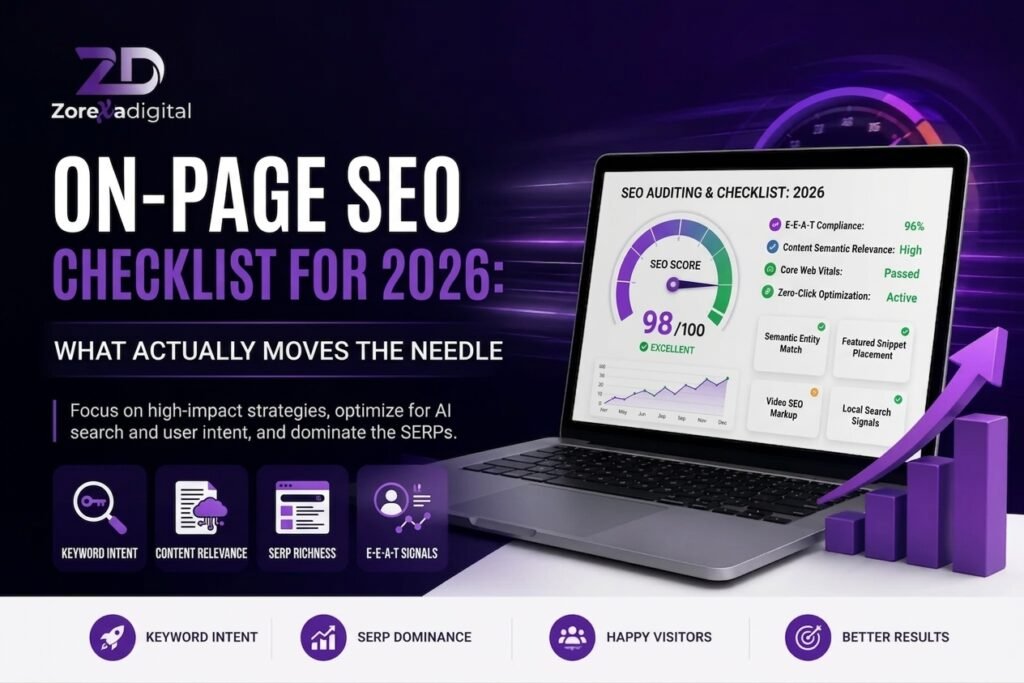
If you’ve published a page, added a keyword to the title, and still watched it sit on page 4 of Google, you’re not alone. Most on-page SEO advice online is either outdated (built for 2015’s Google) or so generic it doesn’t tell you what to actually do. This on-page SEO checklist for 2026 covers the specific elements search engines and readers both care about right now, in the order you should tackle them.
You’ll get a step-by-step list you can run through on any page — new or existing — plus the mistakes we see most often when reviewing client sites, and answers to the questions business owners ask us directly.
What Is On-Page SEO, Exactly?
On-page SEO is everything you control directly on a webpage to help it rank and to help visitors get what they came for: your title tags, headings, content, internal links, images, and page structure. It’s different from technical SEO (site speed, crawlability) and off-page SEO (backlinks, mentions elsewhere).
The short answer to “what should I fix first”: start with search intent match, then title tag and headings, then content depth, then internal linking. Everything else supports those four.
The On-Page SEO Checklist
1. Match Search Intent Before Anything Else
Before touching a single tag, check what Google is already ranking for your target keyword. If the top 10 results are all product pages and yours is a blog post (or the reverse), you’re fighting the wrong format regardless of how well-optimized it is.
Search “on-page SEO checklist” yourself and note the pattern: is it mostly listicles, tools, or long-form guides? Match that format first.
2. Write a Title Tag That Includes the Keyword — Naturally
Your title tag is still one of the strongest on-page ranking signals and the first thing a searcher reads. Keep it under 60 characters so it doesn’t get cut off in search results.
- Put the primary keyword near the front when it reads naturally
- Add a number, year, or specific benefit to differentiate from competitors
- Avoid stuffing two or three keyword variations into one title
Example: “On-Page SEO Checklist for 2026: 15 Steps That Matter” — keyword up front, specific, honest about what’s inside.
3. Write a Meta Description That Earns the Click
The meta description doesn’t directly affect rankings, but it affects click-through rate, which does correlate with performance over time. Keep it under 155 characters and give the reader a reason to click — not just a keyword-stuffed summary.
4. Use One H1 That Matches the Page’s Purpose
Every page should have exactly one H1, and it should closely reflect what the searcher is looking for. Don’t make it identical to the title tag word-for-word — vary it slightly so you’re not repeating yourself.
5. Structure Content With Logical H2s and H3s
Headings aren’t just for SEO — they’re how readers scan a page before deciding to actually read it. Use H2s for main sections and H3s for sub-points within them. Skipping heading levels (going from H2 straight to H4) confuses both readers and screen readers.
6. Answer the Main Question in the First 100–150 Words
Google increasingly rewards pages that get to the point quickly, and readers bounce fast if they have to scroll to find an answer. State the direct answer or definition near the top, then expand with detail afterward.
7. Use the Primary Keyword Naturally — Not Repeatedly
There’s no magic keyword density percentage in 2026. What matters is that the primary keyword and its natural variations (synonyms, related phrases, questions people ask) appear where they’d naturally occur — title, one or two headings, intro, and body text. If a sentence sounds awkward because you forced a keyword into it, rewrite the sentence.
8. Write for Depth, Not Just Length
Long content doesn’t automatically rank better. Thorough content that actually answers the query — including related questions a reader would have next — tends to outperform padded articles. Ask: “If I were the reader, what would I want to know right after this point?”
9. Optimize Images: Alt Text, File Names, and Compression
- Use descriptive file names before uploading (
on-page-seo-checklist.jpg, notIMG_4021.jpg) - Write alt text that describes the image for someone who can’t see it — not a keyword dump
- Compress images so they don’t slow down page load; this affects both user experience and Core Web Vitals
10. Build Internal Links That Guide the Reader Somewhere Useful
Internal links help Google understand your site structure and help readers find related content instead of leaving. Link to pages using descriptive anchor text (not “click here”), and link from your highest-traffic pages to newer or underperforming ones to pass along authority.
11. Use Descriptive, Short URLs
A URL like /on-page-seo-checklist-2026 tells both users and search engines what the page is about before they even click. Avoid long strings of numbers, dates, or category paths stacked several levels deep.
12. Add Schema Markup Where It Applies
Structured data (FAQ schema, article schema, product schema) doesn’t guarantee rich results, but it gives Google clearer signals about your content type. For a checklist or how-to article, FAQ schema and HowTo schema are usually the most relevant.
13. Check Mobile Readability, Not Just Mobile Speed
Most search traffic in 2026 is mobile-first indexed, meaning Google primarily evaluates your mobile version. Beyond load speed, check that paragraphs aren’t wall-of-text on a small screen, buttons are tappable, and nothing requires horizontal scrolling.
14. Make Sure the Page Has a Clear Next Step
A well-optimized page that ranks but gives the reader nowhere to go afterward is a missed opportunity. This doesn’t mean a hard sell — a relevant internal link, a related resource, or a simple next action is enough.
15. Re-check Old Pages, Not Just New Ones
On-page SEO isn’t a one-time task. Pages that ranked well a year ago can slip because competitors improved their content, search intent shifted, or information went stale. Set a recurring reminder — quarterly works for most small sites — to review your top 10–20 pages.
Quick Reference Table
| Element | What to Check | Why It Matters |
|---|---|---|
| Title tag | Under 60 characters, keyword near front | Ranking signal + click-through rate |
| Meta description | Under 155 characters, gives a reason to click | Click-through rate |
| H1 | One per page, matches search intent | Relevance signal |
| Content depth | Answers the query fully, not just at length | Dwell time, fewer pogo-sticking bounces |
| Images | Descriptive alt text, compressed file size | Accessibility + page speed |
| Internal links | Descriptive anchor text to related pages | Crawlability + user navigation |
| URL | Short, descriptive, lowercase | Clarity for users and crawlers |
Common On-Page SEO Mistakes to Avoid
- Optimizing for a keyword nobody searches for. Check search volume and intent before writing, not after.
- Keyword stuffing in headings. Repeating the exact keyword in every H2 reads unnaturally and doesn’t help rankings.
- Ignoring existing content. Businesses often focus all effort on new pages while older, still-indexed pages quietly lose rankings.
- Treating meta description as unimportant. It won’t boost rankings directly, but a poor one tanks click-through rate on pages that do rank.
- Copying competitor structure exactly. Matching format is useful; copying their exact headings and structure produces thin, derivative content.
- Skipping mobile checks. A page that looks fine on a desktop monitor can be genuinely hard to read on a phone.
Frequently Asked Questions
How long should a page be for good on-page SEO?
There’s no fixed word count. A page should be as long as it needs to be to fully answer the query and related questions — that might be 800 words or 3,000. Prioritize completeness over hitting a target number.
Does keyword density still matter in 2026?
Not in the old sense of hitting a percentage. Focus on using the keyword and natural variations where they fit the sentence, rather than counting occurrences.
How often should I update on-page SEO for existing pages?
A quarterly review works for most small business sites, checking rankings, content accuracy, and whether search intent for that keyword has shifted.
Do title tags and meta descriptions directly affect Google rankings?
Title tags are a direct ranking signal. Meta descriptions are not, but they influence click-through rate, which can affect performance indirectly. [VERIFY: exact current weighting is not publicly confirmed by Google]
Is on-page SEO enough on its own to rank well?
No. On-page SEO gets a page in ranking contention, but technical SEO (site speed, crawlability) and off-page factors (backlinks, brand signals) also play a role, especially in competitive niches.
Conclusion
On-page SEO in 2026 isn’t about tricking an algorithm — it’s about making a page genuinely easier to find, read, and act on. Work through this checklist starting with search intent and content quality, then tighten the technical details like title tags, headings, and internal links.
If you’d rather have this audited and fixed by someone who does it daily, Zorexa Digital’s on-page SEO audit service walks through every item on this list against your actual site and gives you a prioritized fix list no guesswork required.
